
Free resource · No account required
Putter listing photo checklist
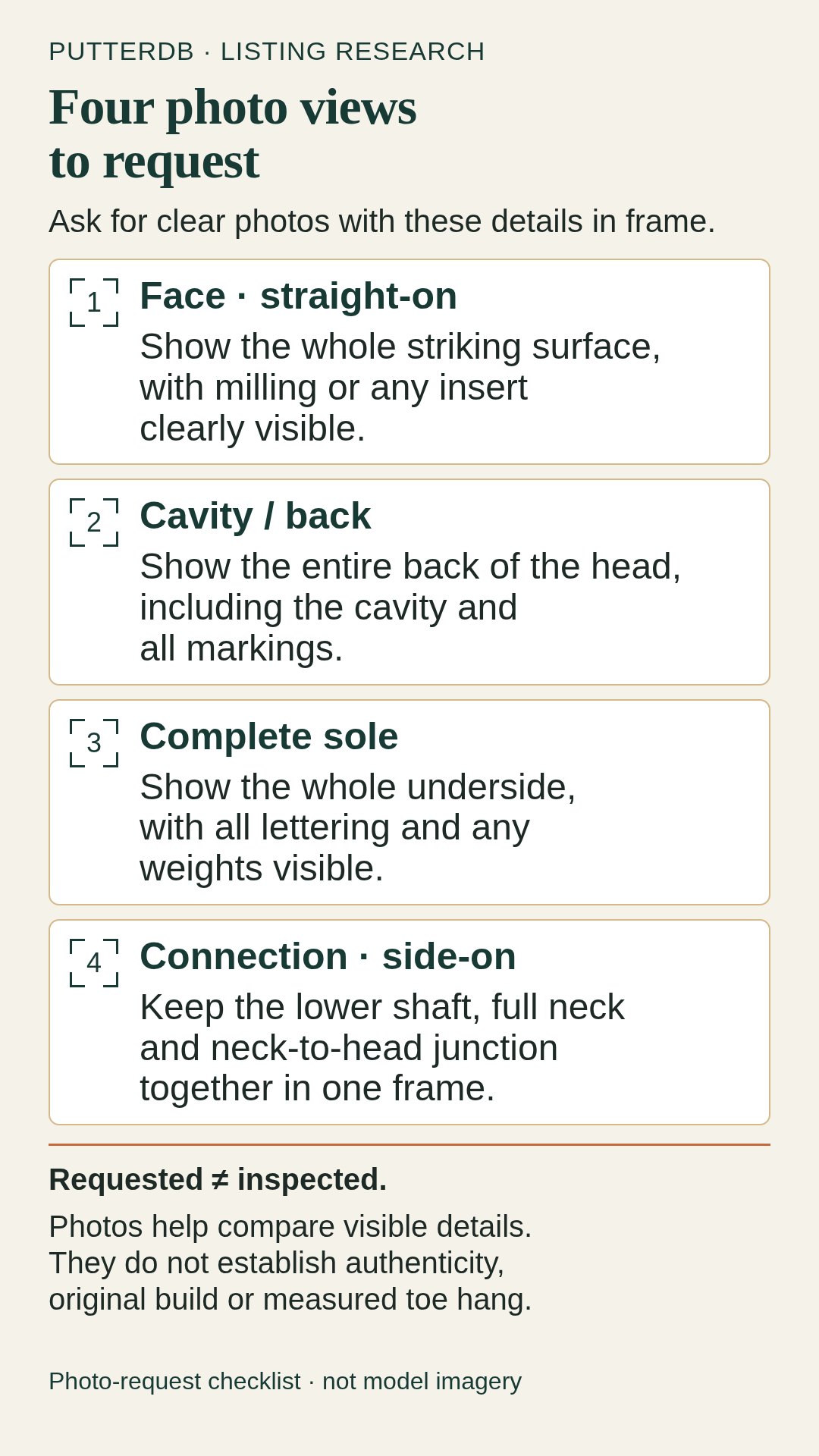
Ask for four clear, focused views: the whole face, cavity/back, complete sole and full neck with the lower-shaft junction.
Save the original card to keep the framing requests handy, or read the same checklist below.
Download the original photo-request card
1080 × 1920 PNG · 225 KiB · Free, with no signup or email required. Open the full-size image if your browser opens the download in a new view.
Four views to request from a seller
Face — straight-on
Show the whole striking surface, with milling or any insert clearly visible.
Cavity / back
Show the entire back of the head, including the cavity and all markings.
Complete sole
Show the whole underside, with all lettering and any weights visible.
Connection — side-on
Keep the lower shaft, full neck and neck-to-head junction together in one frame.
If the connection is obscured, ask for the opposite side too. Avoid tight crops that cut off the detail you need to compare.
Original PutterDB checklist
Use the views in your research
Studio Stainless Newport 2 vs 2.5: four listing-photo views →
See the requests in a worked, exact-edition Newport listing question.
Free used-putter listing research worksheet →
Keep seller claims, received-photo observations, cited specifications and unanswered questions separate in browser notes or a downloadable PDF.